
Portal Hound for IT services and MSPs
Vendor consoles and client admin portals for your offshore techs, one address, every session logged.
Microsoft Partner Center, your RMM, your PSA and a hundred client admin portals: your offshore technicians need them all. Portal Hound gives them named access to the consoles you approve, from one company-owned U.S. address your clients can allowlist, with a log of every session.
The problem
Admin consoles from home ISPs are the thing your own security advice forbids.
You tell clients to restrict admin access to known addresses and named accounts. Then your offshore techs reach those same admin portals from home connections under shared technician logins. Clients notice, and vendor partner programs enforce named-user rules.
Clients allowlist addresses, not countries
A client that restricts Microsoft 365 admin to the MSP's address can't admit a tech on a home ISP abroad.
Partner-program named users
Vendor partner centers require named users with MFA and detect sharing.
Who touched the client's tenant?
After an incident, 'the offshore team' isn't an answer. A name and a time are.
How it works
One button for workers. Full control for you.
You approve the portals
Add each platform your team works in. Portal Hound suggests the domains it needs, and nothing is reachable until you approve it.
Workers press Connect
They install a small app for Windows or Mac, sign in with their work email, and connect. There's nothing to configure.
Only approved portals go through
Those platforms are reached through your company's U.S. gateway, tied to that person and logged. Email, banking and everything else use the worker's own connection.
Platforms
The portals these teams approve first.
Any web platform can be approved. These are typical for it services and msps.
What you get
One MSP address to allowlist, named techs, an audit log for every tenant.
- Clients allowlist your single U.S. address; offshore techs reach client admin portals through it under their own users.
- Every console session is tied to a technician and logged, with no page contents recorded.
- Your existing MFA and partner-center security are untouched; the gateway never decrypts.
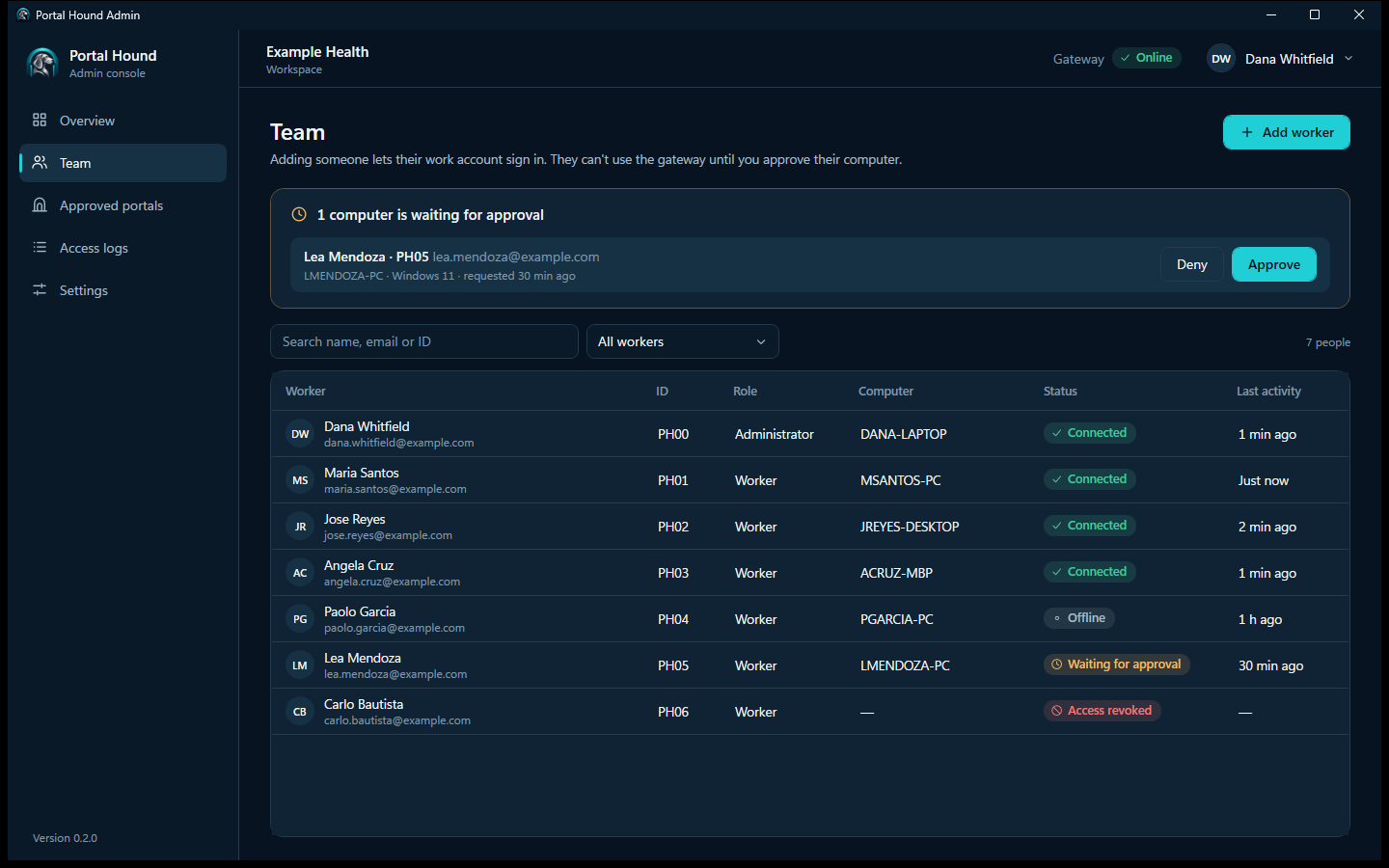
- Revoke a departing tech in one click, across every client portal at once.
Requirements
Portal Hound is for teams already allowed to work offshore.
It controls and records how your team reaches portals. It doesn't change who is allowed to use them, or where from.
Your agreements must permit offshore access
Vendor partner programs and client contracts set who may hold admin access and from where. Some clients, especially in regulated industries, prohibit offshore admin access. Confirm each before routing it. Portal Hound is not a way around a portal's location rules.
Every person uses their own login
Your team members sign in to each platform with accounts issued to them, in the role they need. Portal Hound never shares, stores or fills in a login, and it isn't for working as somebody else.
Regulated data stays your responsibility
Access to client tenants is governed by your MSA with each client and the vendors' partner terms. Portal Hound supports access control and audit; your obligations still apply.
Tell your team access is logged
The access log records which person reached which platform and when. Tell them, and follow the privacy and employment rules where they work.
Portal Hound doesn't guarantee access to any portal. The companies that run them decide who may use their systems. Full requirements.
Questions from it services and msps
Does it replace our remote-access tooling?
No. Portal Hound covers web portals and consoles. Your RMM's remote-control sessions and VPNs into client networks continue as they are.
Can we run it for clients as a service?
Yes. Each client gets a dedicated gateway. Resell at 15% margin or white-label it; see the partner program.
How does this fit with Conditional Access?
Add the Portal Hound address as a named location in your clients' Conditional Access policies, and require it for your technicians' admin roles.
Related
See Portal Hound with your own portals.
We'll show you the worker app and admin console, and talk through setting up a gateway for your team.