
Portal Hound for law firms and legal support
Offshore legal support in your firm's systems, with the access record your clients expect.
Document review, intake, billing and research happen in web platforms that hold privileged material. Portal Hound gives your offshore paralegals named access to the systems you approve, from one firm-owned U.S. address, with a log of who reached what and when.
The problem
Privileged material, reached from everywhere, under whose name?
Clients and bar rules expect you to know who can see a matter. Practice management and document platforms reached from many countries under shared logins can't give you that, and court and government portals often restrict foreign access outright.
Confidentiality obligations
You must be able to say who had access to a matter. Shared logins can't.
Court and government portals
E-filing and agency portals frequently prohibit access from outside the U.S. and keep their own audit trails.
Client security questionnaires
Corporate clients ask where their matters are accessed from and by whom. You need a short answer.
How it works
One button for workers. Full control for you.
You approve the portals
Add each platform your team works in. Portal Hound suggests the domains it needs, and nothing is reachable until you approve it.
Workers press Connect
They install a small app for Windows or Mac, sign in with their work email, and connect. There's nothing to configure.
Only approved portals go through
Those platforms are reached through your company's U.S. gateway, tied to that person and logged. Email, banking and everything else use the worker's own connection.
Platforms
The portals these teams approve first.
Any web platform can be approved. These are typical for law firms and legal support.
What you get
A named user per paralegal, one firm address, an access record for every matter system.
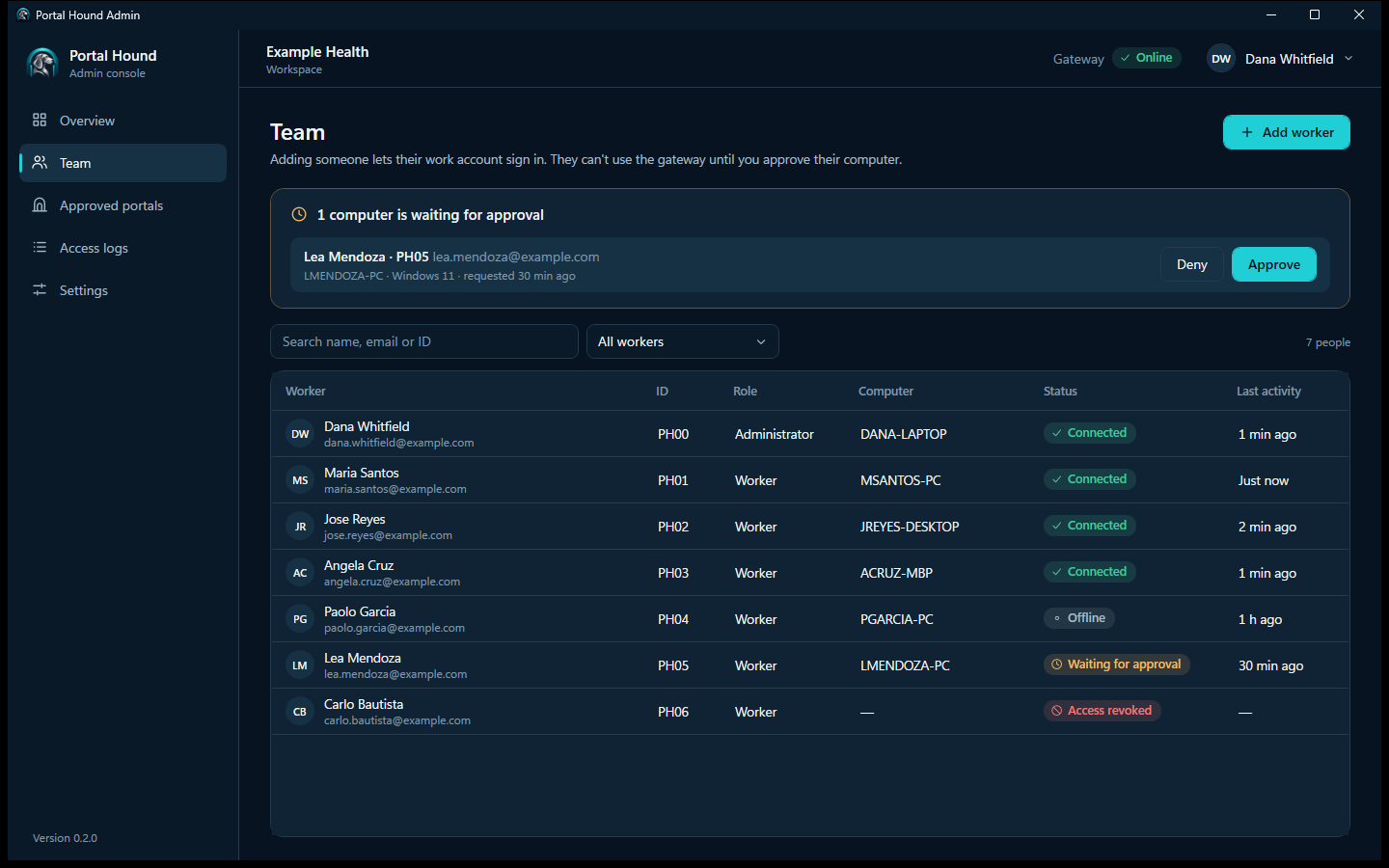
- Every paralegal has their own user on practice management, document and research platforms; Portal Hound never shares a login.
- All firm-system logins leave from your firm's one U.S. address.
- Access logs tie each session to a person, which answers client security questionnaires directly.
- Revoke a departing contractor in one click without changing shared passwords.
Requirements
Portal Hound is for teams already allowed to work offshore.
It controls and records how your team reaches portals. It doesn't change who is allowed to use them, or where from.
Your agreements must permit offshore access
Court e-filing systems, PACER and many government agency portals prohibit or restrict access from outside the U.S., and research platforms license seats to named users. Keep those onshore unless their terms allow otherwise. Portal Hound is not a way around a portal's location rules.
Every person uses their own login
Your team members sign in to each platform with accounts issued to them, in the role they need. Portal Hound never shares, stores or fills in a login, and it isn't for working as somebody else.
Regulated data stays your responsibility
Privileged and confidential client material is governed by your professional rules and client engagement terms, including any restrictions on offshore access. Your firm's policies and supervision still apply.
Tell your team access is logged
The access log records which person reached which platform and when. Tell them, and follow the privacy and employment rules where they work.
Portal Hound doesn't guarantee access to any portal. The companies that run them decide who may use their systems. Full requirements.
Questions from law firms and legal support
Can offshore staff file in court through Portal Hound?
Only if the court's rules permit it, and most restrict e-filing access to the U.S. and to named filers. Portal Hound doesn't change those rules; keep e-filing with onshore staff.
Does it meet client outside-counsel guidelines?
It helps with the parts about access control and audit: named users, one address, and a log. Guidelines that prohibit offshore access altogether aren't changed by any tool.
Can we limit which matters offshore staff see?
That's done inside your practice management or document platform with its own permissions. Portal Hound controls which platforms are reachable and records who reached them.
Related
See Portal Hound with your own portals.
We'll show you the worker app and admin console, and talk through setting up a gateway for your team.