Portal Hound for marketing and sales teams
Your offshore team on your company's LinkedIn, ads and CRM. Under their own names.
Add your remote marketers and SDRs as named admins on your LinkedIn Page, Campaign Manager, Meta Business Suite, Google Ads and CRM. Portal Hound gives them one company-owned U.S. address to work from, ties every session to a named person, logs it, and cuts access the day someone leaves.
The problem
Marketing platforms are built for one person, one account, one place.
A LinkedIn Page, an ad account or a CRM touched from a dozen home connections in three countries looks exactly like an account under attack. Teams respond with shared logins and consumer VPNs, which break the platforms' terms, get accounts restricted, and leave no record of who posted, spent or exported what.
Shared logins get accounts restricted
LinkedIn, Meta and Google all prohibit sharing a login, and their security systems are good at spotting it. The account that gets locked is usually the owner's.
No record of who did what
When five people work as one user, a wrong post, an overspent campaign or an exported contact list has no name attached.
Offboarding is a scramble
Changing passwords on every platform when someone leaves, and hoping nobody kept a session open.
How it works
Named admins, one company address, a log of everything.
Give each person their own seat
Add them as an admin on your LinkedIn Page, a user in Campaign Manager, a person in Business Manager, a user in your CRM. Every platform supports this; it's how they want teams to work.
Approve the platforms in Portal Hound
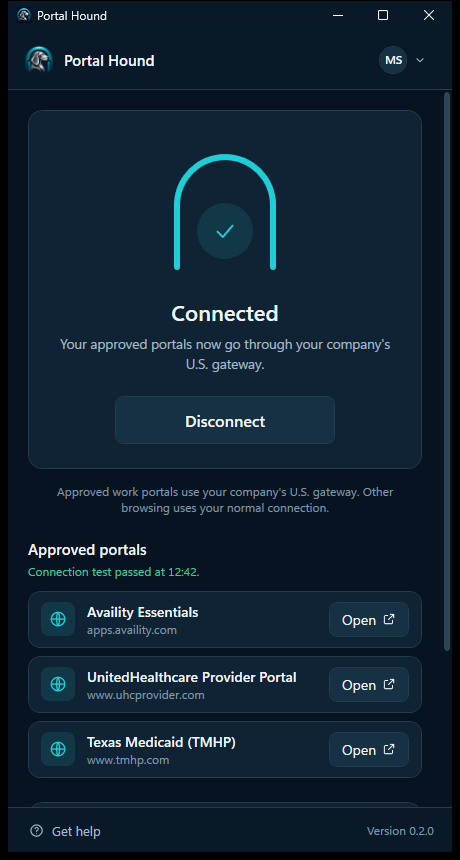
LinkedIn, Meta, Google Ads, HubSpot, Shopify, your scheduling tool: approve each one once. Nothing else goes through the gateway.
They press Connect and work
Every session on those platforms leaves from your company's U.S. address, tied to that person, and is logged. Their personal browsing stays on their own connection.
Platforms
Works with the tools your team already lives in.
Any web platform can be approved. These are the ones marketing and sales teams add first.
For the person accountable
See who's working, and what they reached.
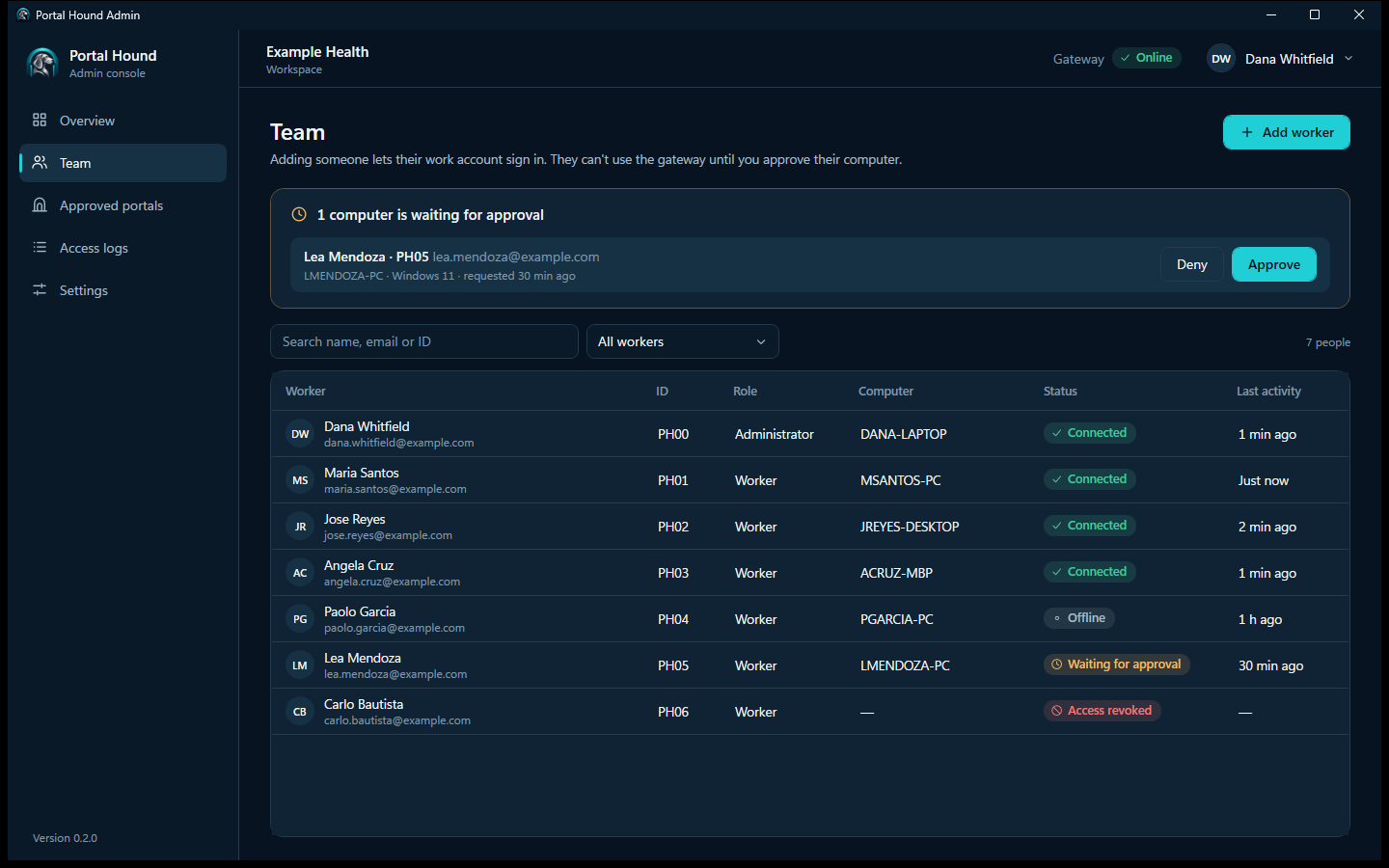
- Approve each new computer before it can connect.
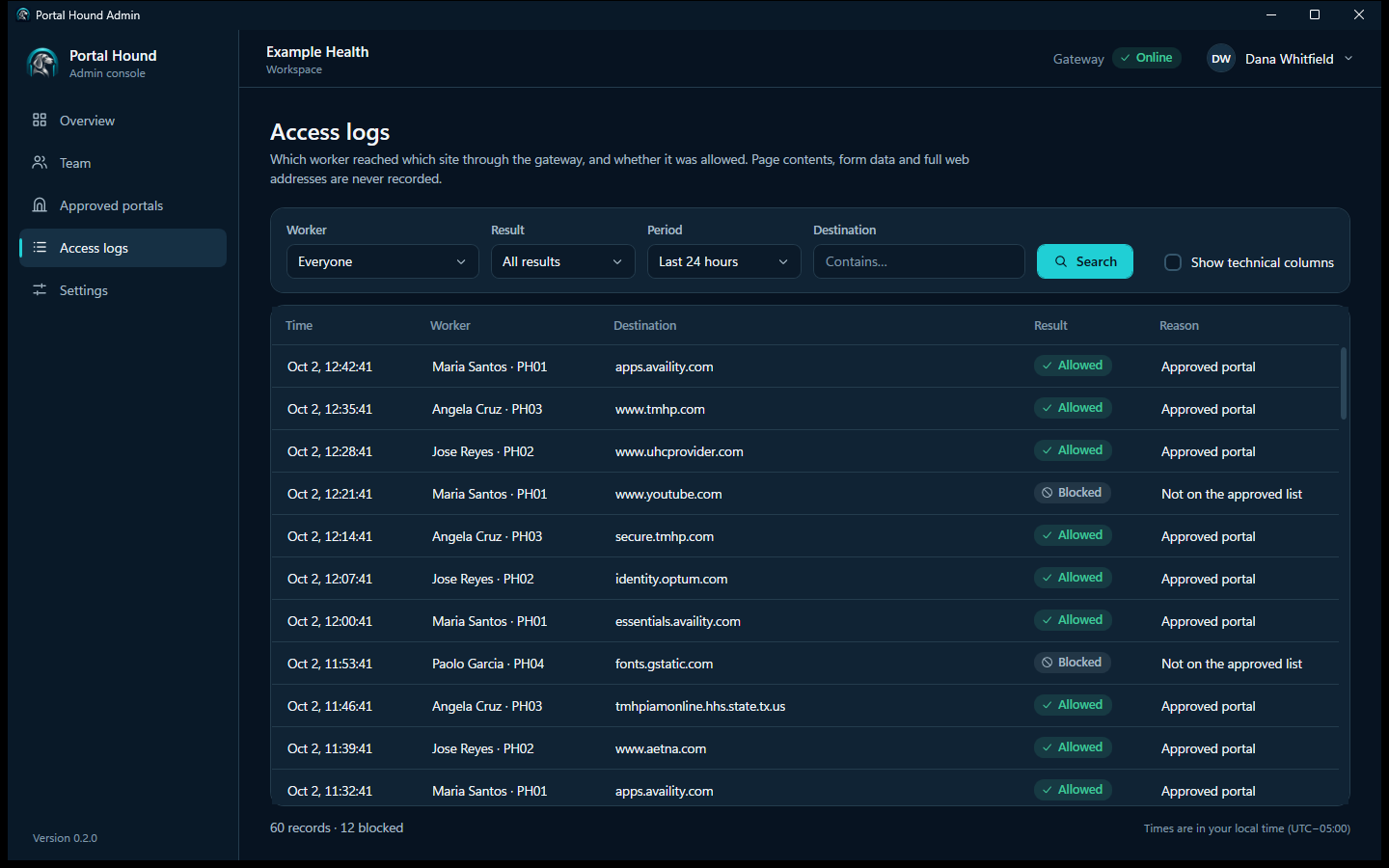
- Access logs show which person reached which platform and when, with no page contents or passwords recorded.
- Someone leaves? Revoke them in one click. Nobody else is affected, and no shared password needs changing.
- Emergency lockdown turns everyone off at once if something's wrong.
Requirements
Named seats, never shared logins.
Portal Hound controls and records how your team reaches platforms. It doesn't change the platforms' rules, and it isn't a way around their security checks.
Every person has their own platform account
Your team members sign in to LinkedIn, Meta, Google and the rest with their own accounts, added to your company's Page, ad account or workspace with the role they need. Portal Hound never shares, stores or fills in a login, and it's not for logging in as somebody else.
Follow each platform's terms
Each platform's terms govern who may act for your company and how. Automation, scraping and account sharing are prohibited by most of them regardless of where a session comes from.
Remove seats when people leave
Revoking Portal Hound access ends the gateway connection. Also remove them from the platform roles they held; we'll remind you where.
Tell your team access is logged
The access log records which person reached which platform and when. Tell them, and follow the privacy and employment rules where they work.
Portal Hound doesn't guarantee access to any platform. The companies that run them decide who may use their systems. See the full requirements.
See it with your own platforms.
We'll show you the worker app and admin console, and walk through adding your team as named admins on LinkedIn and the rest.