
Portal Hound for medical credentialing
Credentialing portals for your offshore enrollment team, under named users, with a BAA.
Provider enrollment lives in CAQH, PECOS, NPPES, state licensing boards and dozens of payer enrollment portals. Portal Hound gives your offshore credentialing staff named access to the portals you approve, from one company-owned U.S. address, with a log and a Business Associate Agreement.
The problem
Enrollment portals are strict about who logs in, and lock quickly.
Federal and payer enrollment portals challenge logins from unfamiliar locations and lock accounts fast. A credentialing company's shared portal logins used by an overseas team risk the provider's enrollment and leave no record of who submitted what.
Locked enrollment logins
A locked PECOS or payer portal login during an enrollment window delays a provider's start date.
Surrogate access without a name
Enrollment portals grant surrogate access to named people for a reason. Shared logins undo that.
Provider data and PHI
Provider identifiers, licenses and the occasional patient record need a named person on every access.
How it works
One button for workers. Full control for you.
You approve the portals
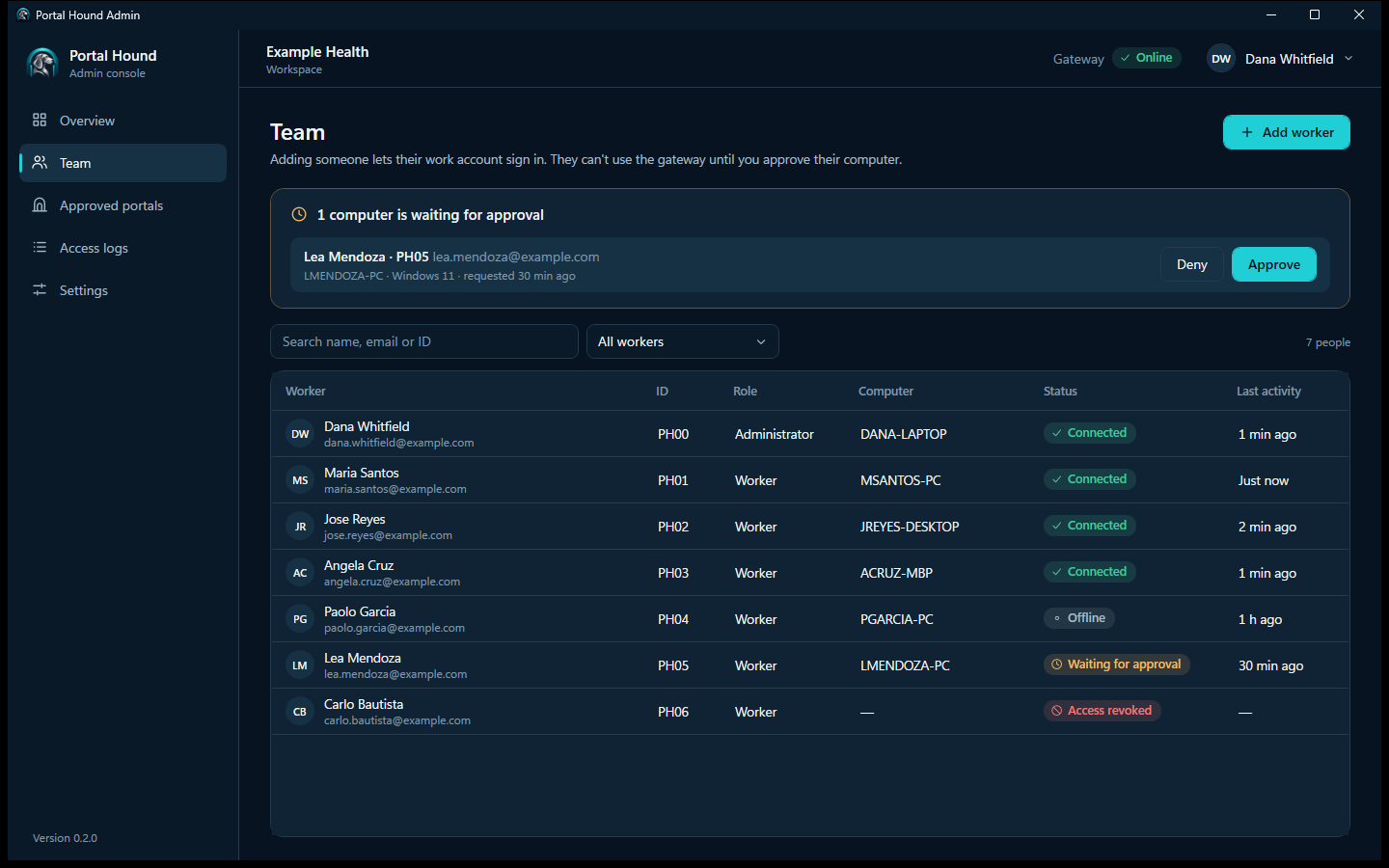
Add each platform your team works in. Portal Hound suggests the domains it needs, and nothing is reachable until you approve it.
Workers press Connect
They install a small app for Windows or Mac, sign in with their work email, and connect. There's nothing to configure.
Only approved portals go through
Those platforms are reached through your company's U.S. gateway, tied to that person and logged. Email, banking and everything else use the worker's own connection.
Platforms
The portals these teams approve first.
Any web platform can be approved. These are typical for medical credentialing services.
What you get
Named surrogate access, one address, an access log, and a BAA.
- Every specialist uses their own user or surrogate access on each portal; Portal Hound never shares a login.
- All portal logins come from your one U.S. address.
- Access logs tie every enrollment session to a person.
- We sign a Business Associate Agreement with you.
Requirements
Portal Hound is for teams already allowed to work offshore.
It controls and records how your team reaches portals. It doesn't change who is allowed to use them, or where from.
Your agreements must permit offshore access
Federal enrollment systems and many payer portals restrict access to named, authorized users and may restrict access from outside the U.S. Confirm each portal's terms and your provider agreements before routing it. Portal Hound is not a way around a portal's location rules.
Every person uses their own login
Your team members sign in to each platform with accounts issued to them, in the role they need. Portal Hound never shares, stores or fills in a login, and it isn't for working as somebody else.
Regulated data stays your responsibility
Provider enrollment data includes identifiers protected under federal rules, and credentialing files can contain PHI. Portal Hound signs a BAA and provides access control and an audit record; your safeguards and training still apply.
Tell your team access is logged
The access log records which person reached which platform and when. Tell them, and follow the privacy and employment rules where they work.
Portal Hound doesn't guarantee access to any portal. The companies that run them decide who may use their systems. Full requirements.
Questions from medical credentialing services
Can offshore staff use PECOS through Portal Hound?
Only if CMS's rules for your surrogate arrangement permit it. Portal Hound doesn't change those rules; it gives authorized users one address and a log.
Do you provide the credentialing software?
No. Portal Hound is the access layer. It works with whatever credentialing platform and portals your team already uses.
How is this different from the healthcare page?
Same product, narrower use. This page covers enrollment and credentialing portals; the healthcare page covers billing, eligibility and prior authorization as well.
Related
See Portal Hound with your own portals.
We'll show you the worker app and admin console, and talk through setting up a gateway for your team.